overleaf template galleryLaTeX templates and examples
Discover LaTeX templates and examples to help with everything from writing a journal article to using a specific LaTeX package.
Categories

Select from an array of journal templates and submit directly from Overleaf.

Create bibliographies in LaTeX quickly and easily using packages like bibtex, natbib, and biblatex.

Book templates to write your next best seller—whether you're writing a short story or a textbook.

Keep organized with this handy collection of LaTeX calendar templates.

Make the right first impression with our popular range of CV templates.

Format formal letters fast with our range of LaTeX letter templates.

LaTeX templates for homework assignments to use at school, college, and university.

Keep colleagues or contacts informed in style with one of our LaTeX newsletter templates.

Showcase your work with these eye-catching LaTeX poster templates.

Communicate more effectively with our selection of engaging presentation templates.

Templates to help you tackle the most important piece of work you'll produce as a student.
Recent
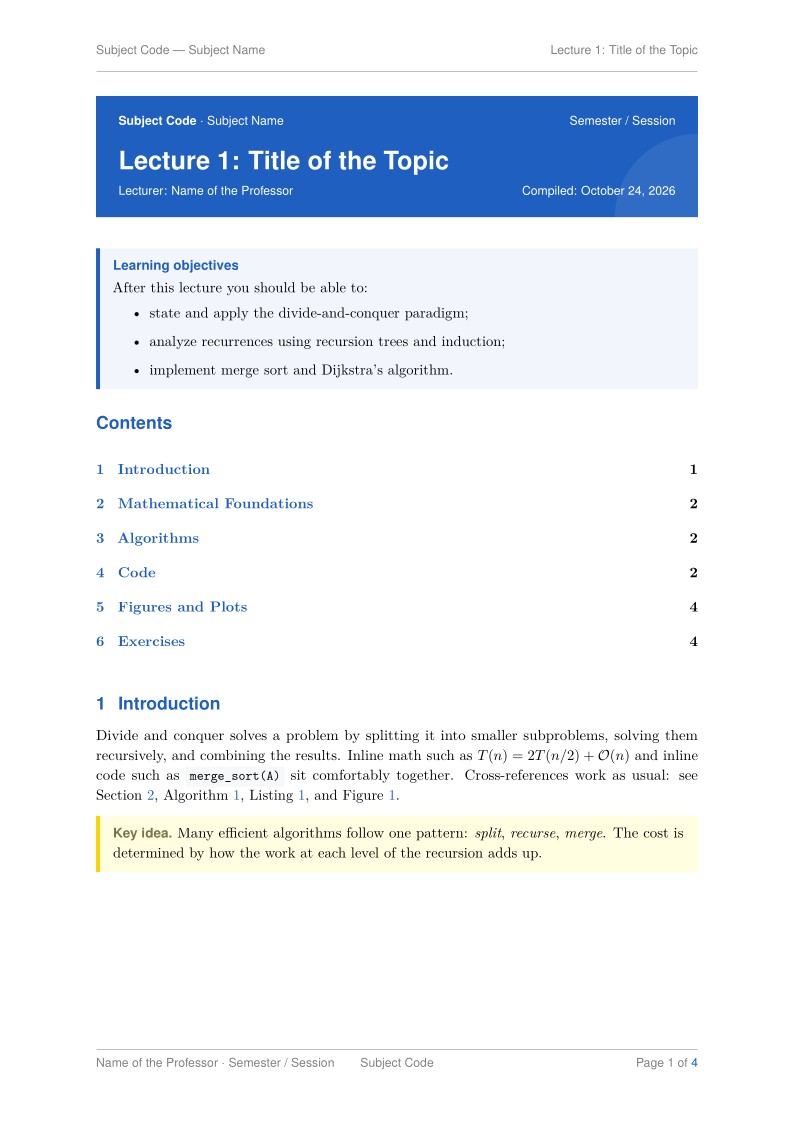
A clean, modern LaTeX template for computer science lecture notes. It supports mathematics, code listings, algorithms, TikZ figures and plots, colored theorem boxes, exercises, a three-part footer and a faint logo at the bottom of every page. The project is split into small files, so each lecture only needs a few edits.
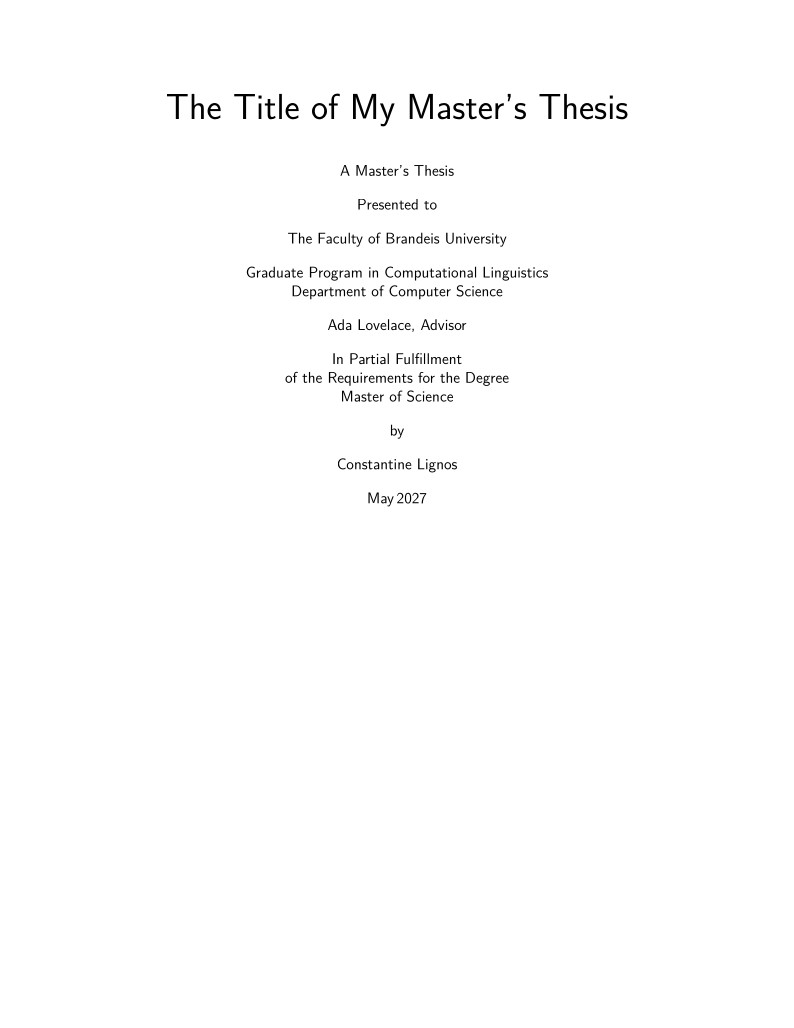
This template provides the structures and formatting for a Brandeis University Master's thesis.
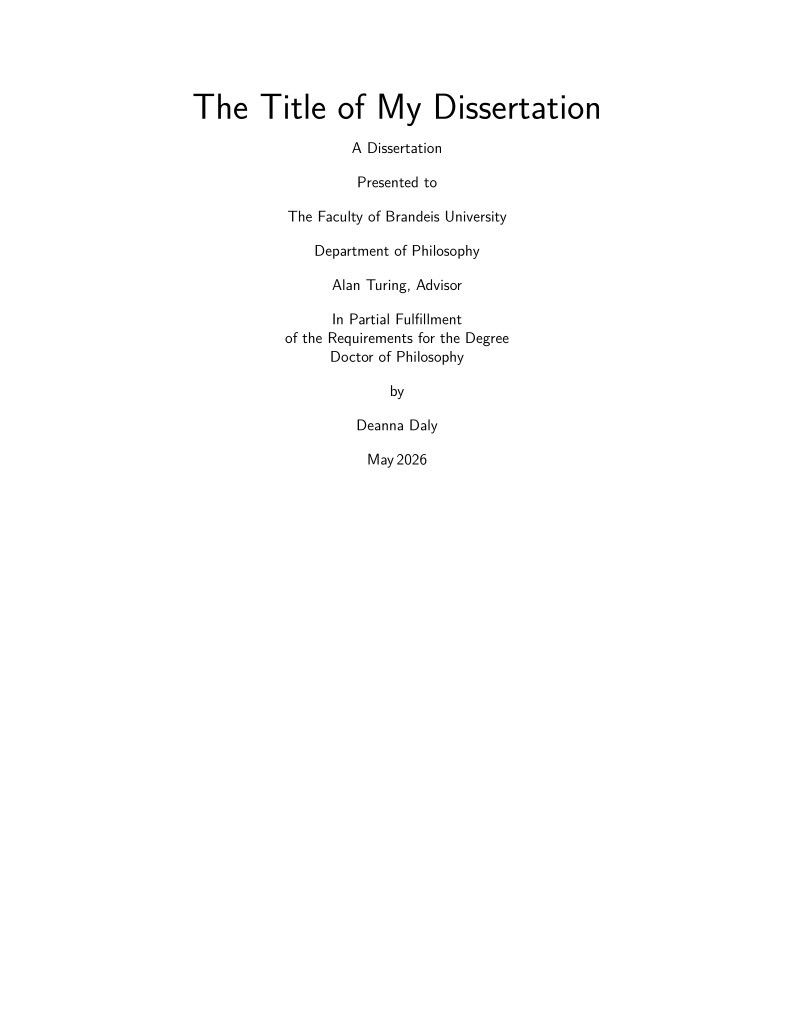
This template provides the structure and formatting for a Brandeis University Dissertation.
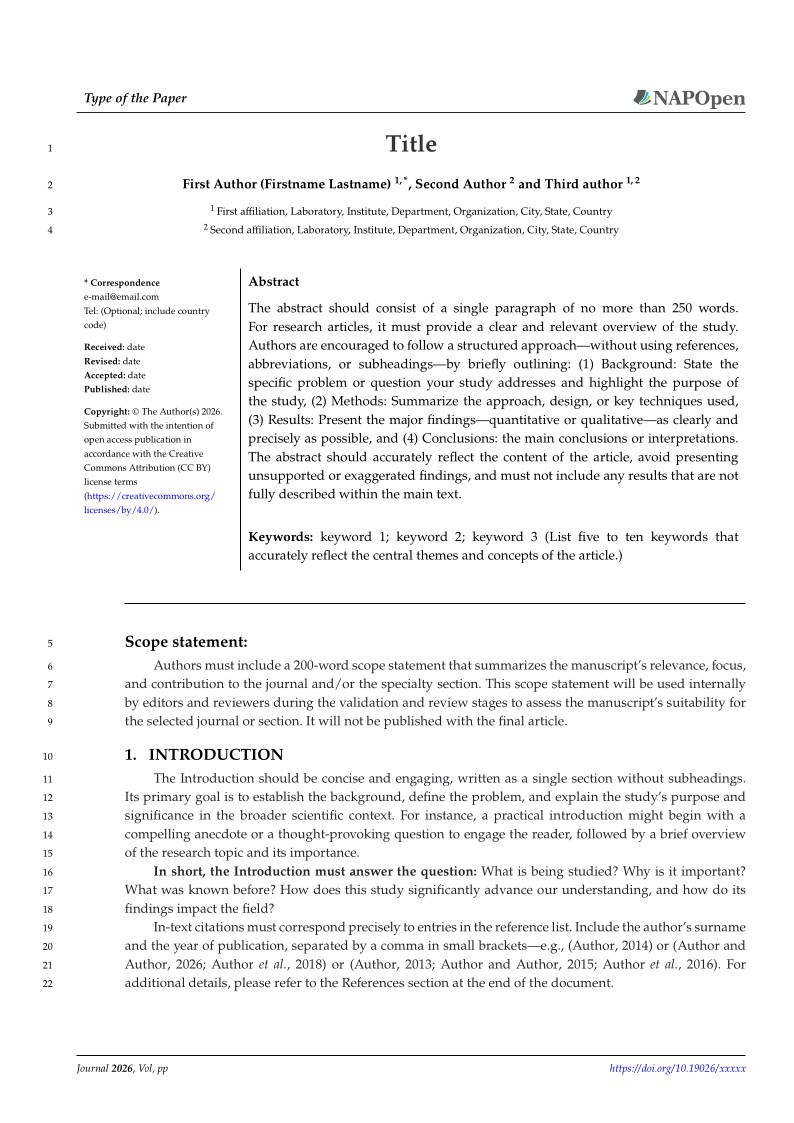
Official LaTeX template for manuscripts submitted to journals published on NAPOpen by North American Publication Corp. The template reproduces the NAPOpen MS Word template: A4 layout, Palatino-style typography (TeX Gyre Pagella), first-page header with article type and journal logo, abstract box with article history, numbered headings, line numbers for review, figure and table styles, theorem environments, end-matter statements, appendices, and an author-year reference style (biblatex/Biber). Use the "submission" class option for peer review (line numbers and scope statement) and "final" for the typeset version. Author guidelines: https://guidelines.napopen.com/article-formation Journal website: https://www.napopen.com
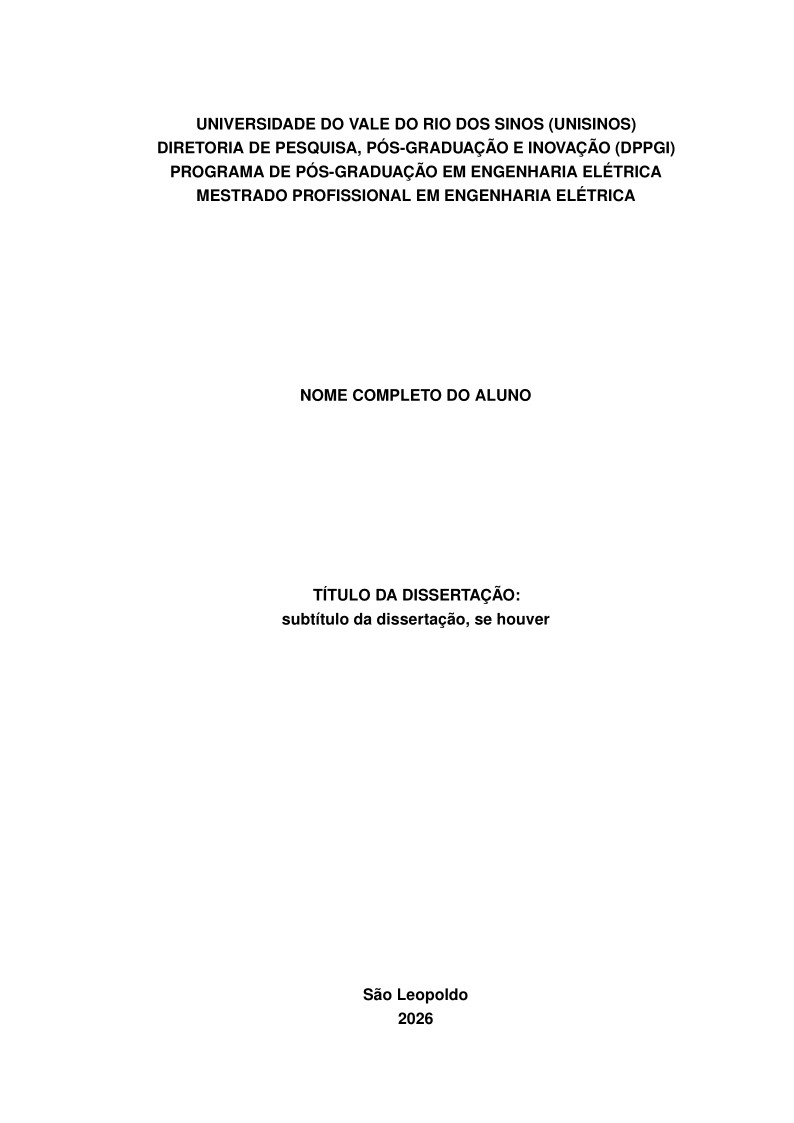
Modelo para dissertações e projetos de qualificação do Programa de Pós-Graduação em Engenharia Elétrica da Universidade do Vale do Rio dos Sinos (UNISINOS), formatado conforme o Manual para Elaboração de Trabalhos Acadêmicos, Dissertações e Teses da UNISINOS (34. ed., 2026/2) e as normas ABNT NBR 14724, 15287, 6023 e 10520. Usa abnTeX2 e biblatex-abnt. Não é o modelo oficial da Biblioteca. Biblioteca UNISINOS: https://www.unisinos.br/biblioteca/servicos-e-recursos/modelos-de-trabalhos-academicos-abnt
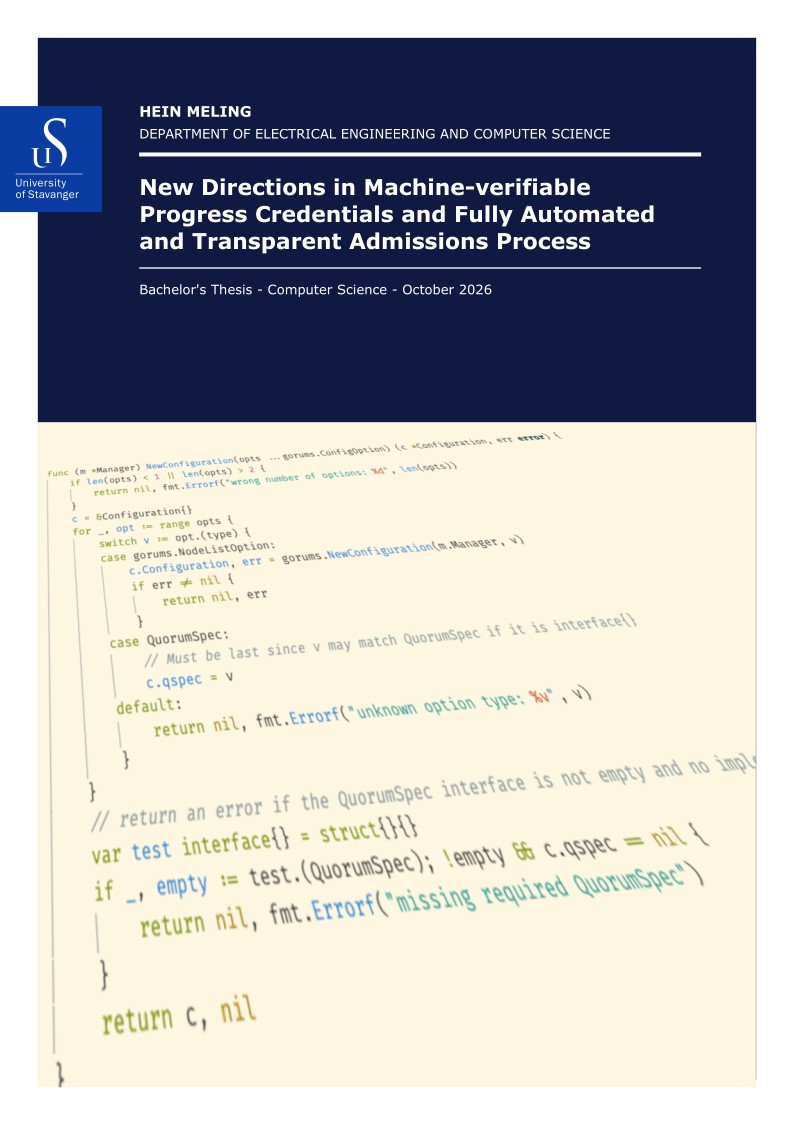
UiS Master Thesis Template This thesis template is meant to follow the University of Stavanger's guidelines for graphical profile and visual communications. The template is inspired by the official PhD thesis cover. You have the possibility to choose between a number of different color combinations and designs for the cover. Originally created by Hein Meling and is available from https://github.com/uis-no/uis-thesis. More information about the template can be found on the github page as well.
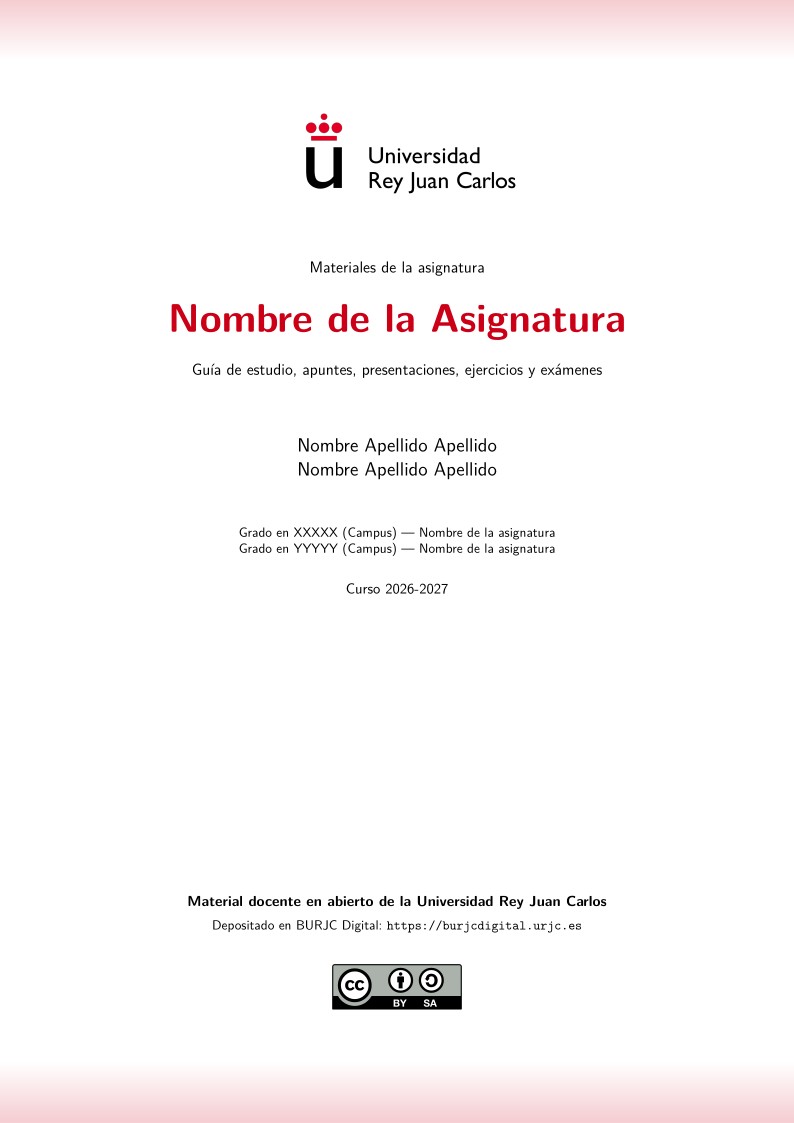
Book template for the Universidad Rey Juan Carlos (URJC) 2026-2027 call for open-access teaching materials ("Convocatoria de reconocimiento de publicación de asignaturas en acceso abierto 2026-2027"). It follows the official guidelines of the call, whose Annex III requires all bibliographic materials to be deposited in BURJC Digital as a single PDF organised as a book. Official guidelines: Official call text, including Annex III on the book format (URJC e-office bulletin board) Official guide to the call by OfiLibre, URJC's Free Culture and Software Office Official OfiLibre templates and guidelines for open-access courses BURJC Digital repository (deposit instructions) The template produces the cover page required by the call, with the copyright notice, the CC BY or CC BY-SA licence and the logo. It also generates a table of contents and one chapter per material category: study guide, notes, slides, exercises, videos and audio, software, virtual classroom and others. Authors fill in datos.tex and add one \material{...}{file.pdf}{...} line for each PDF, so no knowledge of LaTeX is needed. If a PDF is missing, the book still compiles and shows a warning. Compile with pdfLaTeX. Plantilla para generar el «libro» (PDF único) de la convocatoria URJC de asignaturas en acceso abierto 2026-2027, según el Anexo III de la convocatoria. Guía completa: https://scaverod.github.io/mao.html
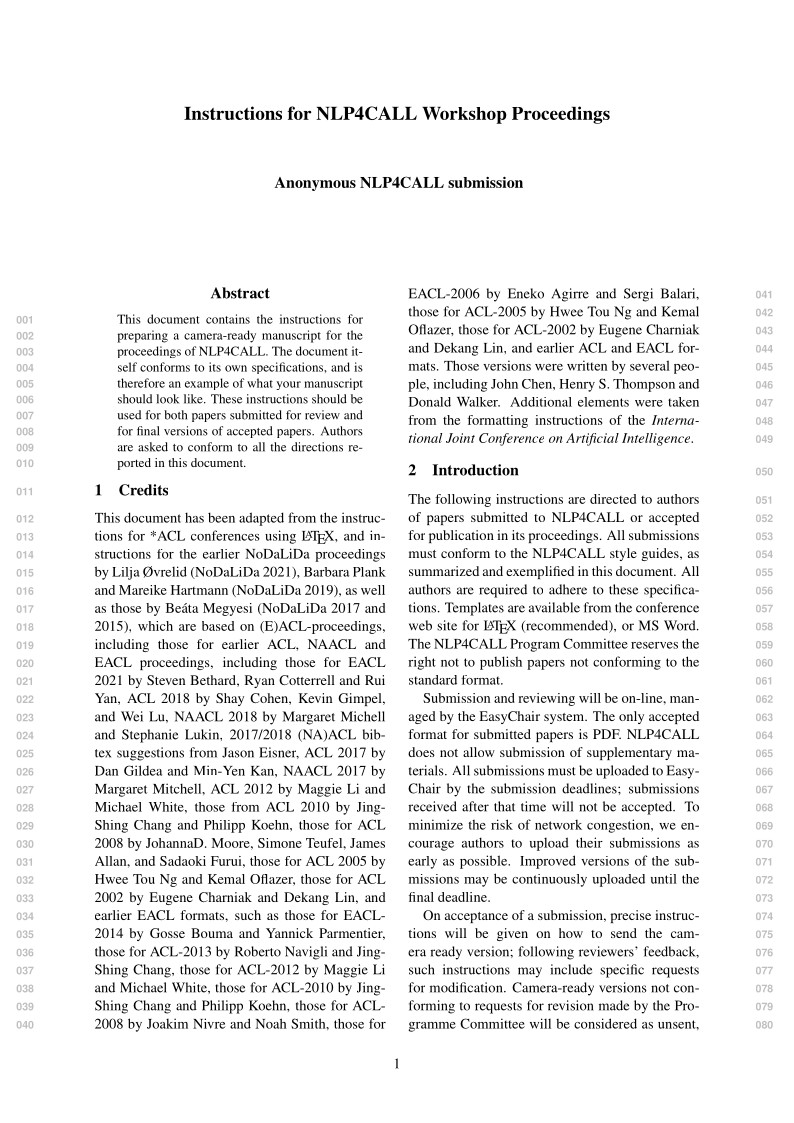
LaTeX template for submissions and proceedings for the NLP4CALL workshop series. For the latest edition of the workshop, see https://nlp4call.github.io/current/
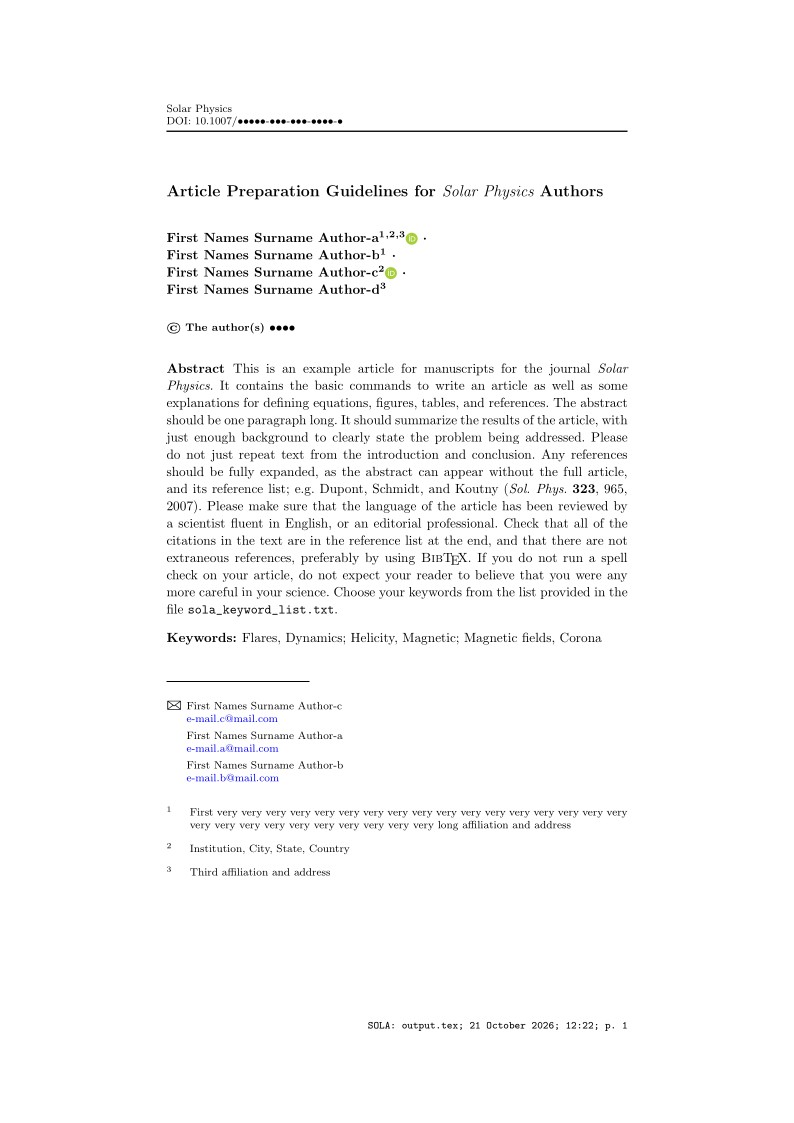
This is an example paper for manuscripts for the journal Solar Physics, downloaded from the journal's support page for LaTeX authors. It contains the basic commands to write an article as well as some explanations for defining equations, figures, tables, and references.
Featured
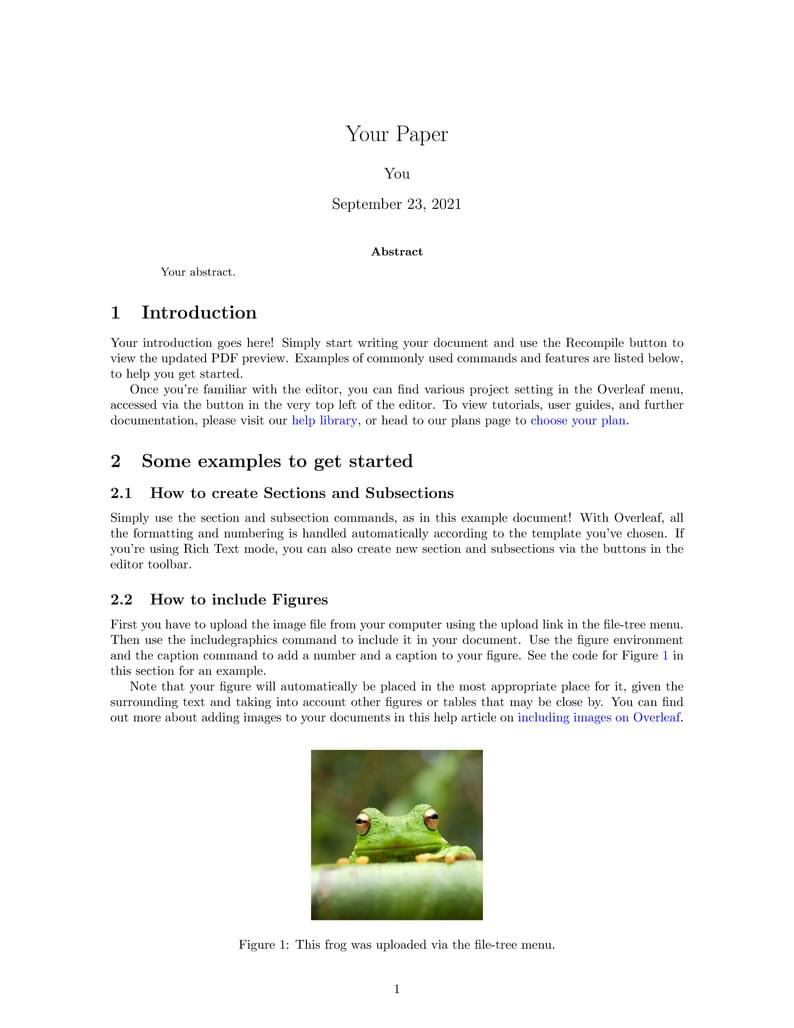
An example LaTeX project for starting off your own article
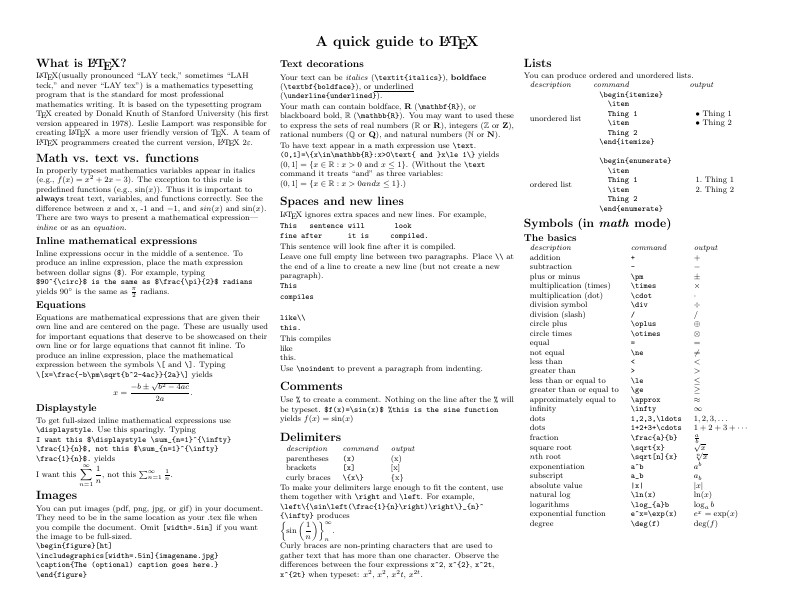
Know the LaTeX command you want to use but can't remember how to write it? Here we present a great tips sheet produced by Dave Richeson; it's pre-loaded in Overleaf so you can see how the commands work instantly. Simply click on the button above to open a version in Overleaf for editing (and to quickly copy and paste the commands you need!). For more comments visit this page on Dave's site, or if you'd like to work through a fuller introduction to LaTeX why not check out our free online course?
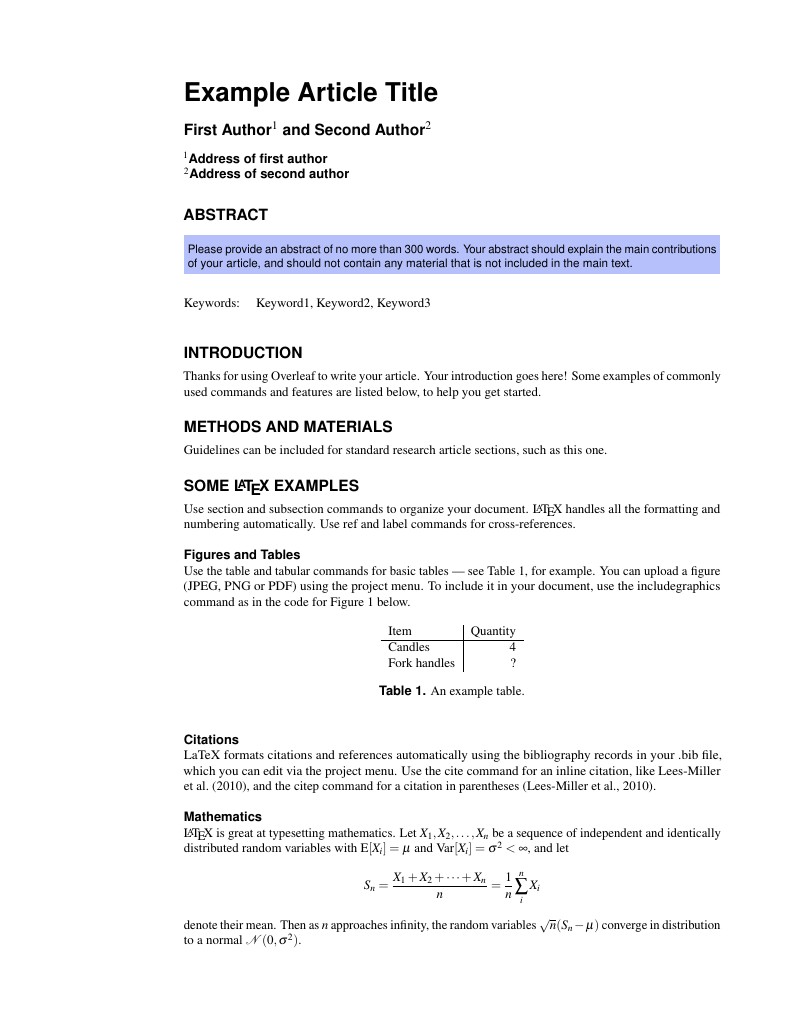
This is a basic journal article template which includes metadata fields for multiple authors, affiliations and keywords. It is also set up to use the lineno package for line numbers; these can be turned on by adding the 'lineno' option to the documentclass command.
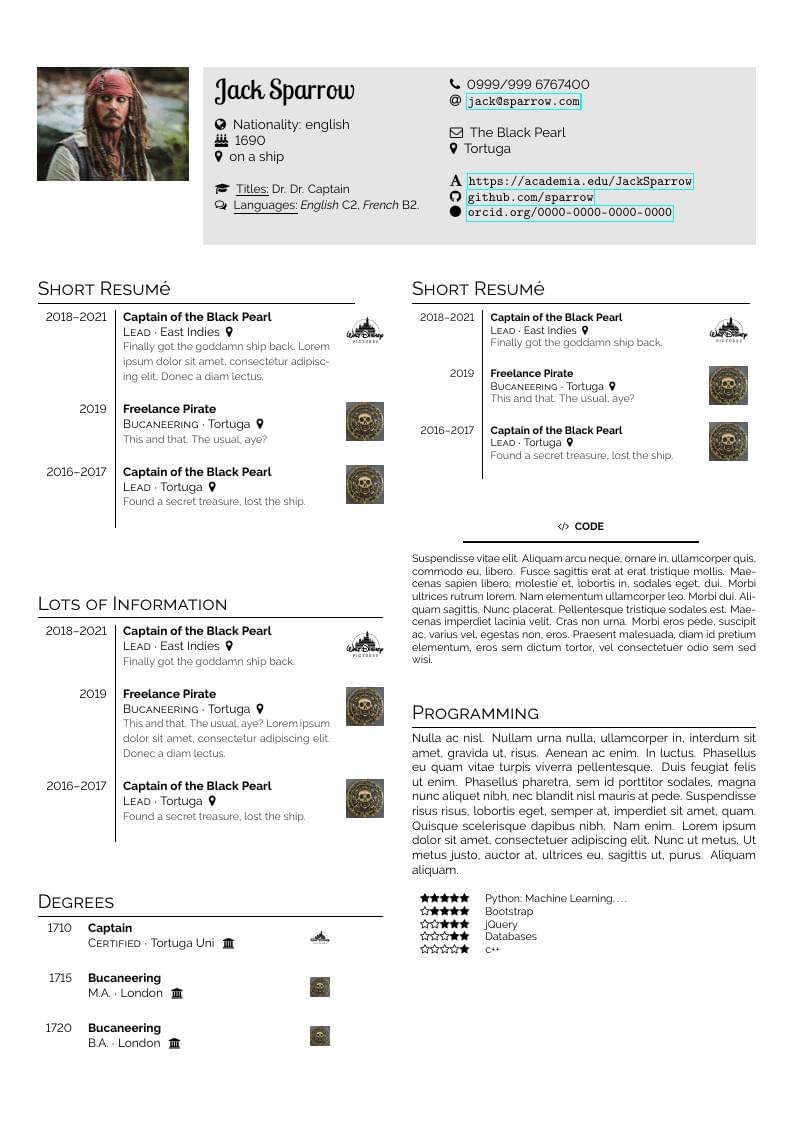
A modern simple (academic) CV template. With no colour, but a few different tabulars for visualizing your skills and cv events. The template has no colour, but adding logos to your events will still make it relatively colourful (and thus, not strictly classic, why I called it "modern"). You can play around with different fonts. The places where the changes can be made are indicated by comments. The fancy font for the name can be taken away, if you don't want it. The github repo is here: https://github.com/latex-ninja/modern-simple-cv
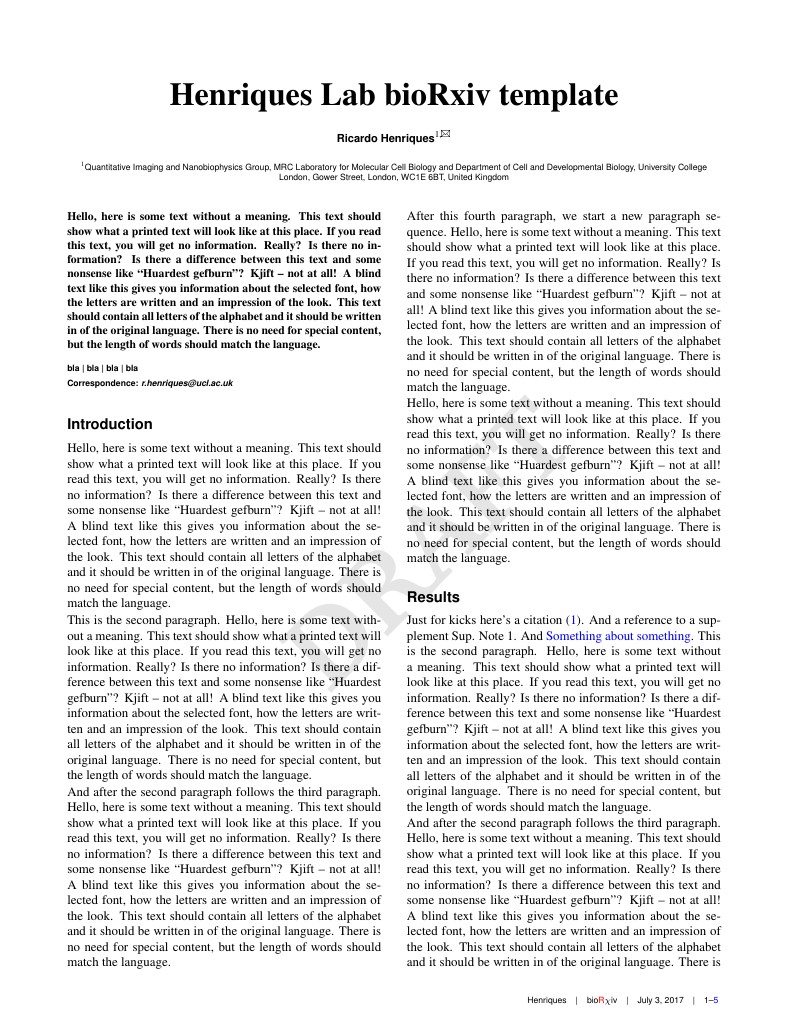
This is a gorgeous template for bioRxiv pre-prints. An example manuscript using it can be found here.
\begin
Discover why over 30 million people worldwide trust Overleaf with their work.